|
Product Name |
FF Designer |
|
Developer |
FlutterFlow Inc. |
|
Launch Date |
February 19, 2026 |
|
Category |
AI Powered UI Design Tool |
|
Website |
designer.flutterflow.io |
|
Parent Platform |
FlutterFlow |
|
Pricing |
Free (as of 2026) |
|
Target Users |
UI/UX Designers, Developers, Product Managers, Startups |
|
Key Feature |
AI generated production quality screens from text prompts |
|
Editing |
Full visual editing on infinite canvas |
|
Export Options |
FlutterFlow import, PNG, Agent ready prompts |
|
AI Integrations |
Claude Code, Gemini CLI, Codex, Cursor |
|
Mobile App |
No standalone mobile app (web based only) |
|
Monthly Traffic |
Approximately 76K visits (Q1 2026) |
|
Icon Polls Rating |
2.9 out of 5 |
Icon Polls Overall Rating: 2.9 out of 5
After spending considerable time testing FF Designer, our review team at Icon Polls settled on an overall rating of 2.9 out of 5. It is a tool with genuine promise and some impressive technology under the hood, but it also comes with enough rough edges and limitations that hold it back from being a top tier recommendation. We will break it all down below.
What is FF Designer?
FF Designer is an AI powered design tool created by FlutterFlow. It launched on February 19, 2026 and was built to do one thing really well: take a text description and turn it into a fully designed app screen in seconds. You type something like "create a food delivery app with a menu and checkout page" and the tool spits out polished, editable screens that actually look decent.
The idea behind it is solid. Instead of starting from a blank canvas every time, you let the AI do the heavy lifting and then you fine tune the details yourself. FlutterFlow positioned this as the bridge between brainstorming and building. And to their credit, it does deliver on that promise in a lot of ways.
The tool runs entirely in the browser at designer.flutterflow.io. There is no app to download, no software to install. You sign up, write a prompt, and start working. As of 2026, it is completely free, which FlutterFlow says is intentional while they gather feedback and improve the product.
Sign Up Process
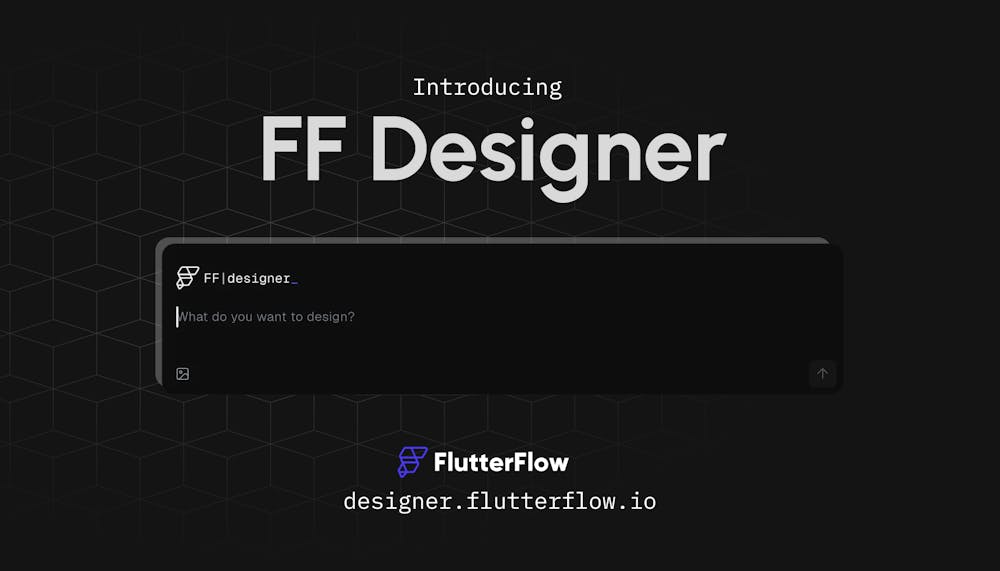
Getting started with FF Designer is straightforward. You head to designer.flutterflow.io and either create a new FlutterFlow account or log in with an existing one. Google sign in is available, which makes it even quicker. The whole process takes about a minute or two.
One thing we noticed during our review is that FF Designer is tied to the FlutterFlow account system. So if you have never used FlutterFlow before, you will be creating an account for the broader platform, not just the designer tool. That is fine if you plan to use FlutterFlow down the line, but it might feel like overkill for someone who just wants a quick AI design tool without committing to an entire development platform.
There is no email verification wall or long onboarding questionnaire. Once you are in, you land on the canvas and can start generating screens immediately. That ease of access is something we appreciated.
Pricing
As of August 2026, FF Designer is free. No credit card required, no trial period, no hidden fees. FlutterFlow has made it clear that they want people using the tool and providing feedback before they make any pricing decisions.
Now, here is where it gets a bit nuanced. FF Designer itself is free, but the broader FlutterFlow ecosystem is not. If you generate screens in FF Designer and then want to import them into FlutterFlow to actually build a working app, you will eventually hit the FlutterFlow pricing tiers. Those start at $39 per month for the Basic plan, $80 per month for Growth, and $150 per month for Business. So while the design step costs nothing, the building step can get expensive fast.
Our take at Icon Polls is that the free pricing is generous for now, but we would not be surprised if paid tiers or premium features get introduced down the road. Enjoy it while it lasts.
AI Features
The AI is the core of FF Designer, and it is honestly the most interesting part of the tool. You write a prompt describing what you want, and the AI generates full app screens within seconds. Not wireframes. Not rough sketches. Actual polished, production quality looking screens with proper spacing, typography, colors, and component layouts.
You can also refine designs through follow up prompts. If the first output is close but not quite right, you can tell it to adjust the color scheme, move elements around, or add new sections. The iterative prompting works reasonably well, though it is not perfect. Sometimes the AI takes your instruction literally in ways you did not intend, and other times it ignores minor details.
FF Designer also supports MCP integrations, meaning you can connect it with AI coding agents like Claude Code, Gemini CLI, and Codex. This lets you edit designs through natural language from your coding environment, which is a nice touch for developers who prefer to work from a terminal or an IDE like Cursor.
Where the AI falls short, in our experience, is consistency. Generate the same prompt three times and you might get three noticeably different layouts. That can be a feature or a bug depending on how you look at it. If you are exploring ideas, great. If you want a predictable, repeatable workflow, it can be frustrating.
App Availability
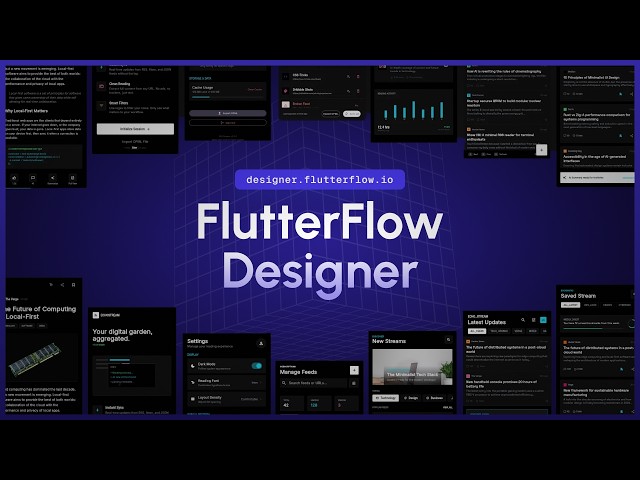
FF Designer does not have a dedicated mobile app. It is strictly a web based tool that runs in your browser. On a desktop or laptop, the experience is smooth enough. The infinite canvas loads well, the editing tools are responsive, and the AI generation is fast.
On mobile, it is a different story. You can technically open it in a phone browser, but the canvas and editing tools are not optimized for small screens. For a tool that helps design mobile apps, not having a mobile friendly experience feels like a miss. It is not a dealbreaker since most serious design work happens on larger screens anyway, but it is worth noting.
UI Design Capabilities
The designs that FF Designer generates are, on the whole, pretty good for an AI tool. The screens look modern, the layouts are clean, and the component choices are sensible. It handles common app patterns well: dashboards, login screens, profile pages, settings menus, product listings, and checkout flows all come out looking professional.
The visual editor lets you modify every element after generation. You can change colors, fonts, spacing, and component properties directly on the canvas. It supports building reusable components with variants and parameters, which is useful for keeping a consistent design system across multiple screens.
However, it is not going to replace Figma or Sketch for serious, detailed design work. The editing tools are competent but basic compared to what professional designers are used to. There is no deep prototyping, no advanced animation controls, and the plugin ecosystem is nonexistent. Icon Polls sees FF Designer as a starting point tool, not a finishing tool.
User Experience
The user experience of FF Designer is a mixed bag, and this is where a lot of our rating comes from. On the positive side, the tool is fast. Generating screens takes seconds, not minutes. The canvas is responsive. The overall interface is clean and does not overwhelm you with options.
On the negative side, there are some pain points. The learning curve is steeper than you might expect for a tool that markets itself on simplicity. Knowing how to write good prompts is a skill, and if your prompts are vague, the output will be vague too. There is also no undo history in the traditional sense, which can be annoying when you are iterating quickly.
Another issue is that the tool feels very tied to the FlutterFlow ecosystem. If you are not a FlutterFlow user and have no plans to become one, the export options are limited. You can grab PNG screenshots or agent ready prompts, but you cannot export to Figma or other popular design tools directly. That ecosystem lock in is a real concern for anyone who wants flexibility.
What We Liked
Fast AI generation that produces clean, modern looking app screens in seconds.
Free to use with no credit card required, at least for now.
Direct integration with FlutterFlow for going from design to working app.
Support for AI agent integrations through MCP, including Claude Code and Cursor.
Full visual editing on an infinite canvas after generation.
What Needs Work
No standalone mobile app and poor mobile browser experience.
Heavy ecosystem lock in with FlutterFlow. Limited export options outside that ecosystem.
AI output consistency can be unpredictable across similar prompts.
Editing tools are basic compared to established design software like Figma.
No collaboration features for teams working together on designs.
Still a new product with limited community resources and documentation.
Icon Polls Verdict
FF Designer is an interesting tool with real potential, but it is not there yet. The AI generation is impressive and the price is right at free, but the ecosystem lock in, limited export options, inconsistent AI outputs, and lack of advanced design features keep it from being a tool we can wholeheartedly recommend. Our rating of 2.9 out of 5 reflects a product that does some things well but needs more time and development to compete with the tools most designers and developers already rely on.
If you are already in the FlutterFlow ecosystem or you need quick prototypes without spending hours in a design tool, FF Designer is worth trying. It costs nothing and the speed is genuinely useful. But if you are looking for a primary design tool to replace what you already use, this is not it. Not yet.
Frequently Asked Questions About FF Designer
1. What is FF Designer?
FF Designer is an AI powered design tool built by FlutterFlow. It lets users generate complete, production quality app screens by simply typing a text prompt. The tool runs in the browser and gives you a visual canvas where you can edit every element of the generated design. It launched in February 2026 and is currently free to use.
2. Is FF Designer free to use in 2026?
Yes. As of 2026, FF Designer is completely free. FlutterFlow launched it as a free tool and has been collecting user feedback to improve it. There is no paid tier for FF Designer specifically at this time, though the broader FlutterFlow platform has its own pricing plans starting at $39 per month for the Basic plan.
3. How do I sign up for FF Designer?
You can sign up by visiting designer.flutterflow.io. You will need to create a FlutterFlow account if you do not already have one. The sign up process uses a standard email and password setup, and you can also sign in through Google. Once you are in, you can start generating screens right away.
4. Does FF Designer have a mobile app?
No. FF Designer does not have a standalone mobile app as of 2026. It is a web based tool that runs in your browser. You can technically access it on a mobile browser, but the experience is built for desktop use with a full canvas and editing toolbar. For mobile design work, you would need to sit at a computer.
5. Can I export my FF Designer screens to FlutterFlow?
Yes. One of the main selling points of FF Designer is that it integrates directly with FlutterFlow. You can export your generated screens into a FlutterFlow project and continue building from there. You can also export as PNG images or as agent ready prompts for use with AI coding tools.
6. How does the AI in FF Designer work?
The AI in FF Designer takes natural language prompts and converts them into full app screen designs. For example, you could type something like "design a fitness dashboard with progress charts" and the tool will generate a complete screen layout. You can then refine the output through follow up prompts or by manually editing elements on the canvas.
7. Is FF Designer better than Figma?
They serve different purposes. Figma is a full featured professional design tool with deep collaboration features, a massive plugin ecosystem, and industry wide adoption. FF Designer is a more specialized AI generation tool that focuses on speed and quick prototyping. If you need detailed design work and team collaboration, Figma is still the industry standard. FF Designer is better suited for rapid prototyping and getting a quick starting point for app designs.
8. What are the main limitations of FF Designer in 2026?
Based on Icon Polls research, the main limitations include the lack of a mobile app, limited export formats compared to tools like Figma, a heavy reliance on the FlutterFlow ecosystem, occasional inconsistency in AI generated layouts, and fewer collaboration features than established design tools. It is still a young product and has room to grow.
9. Can FF Designer be used with other AI coding tools?
Yes. FF Designer supports integrations with AI agents through MCP (Model Context Protocol). You can connect it with Claude Code, Gemini CLI, Codex, and IDEs like Cursor. This lets you edit and iterate on designs using natural language commands from your preferred AI environment.
10. Who should use FF Designer?
FF Designer is a good fit for solo developers, startup founders, product managers, and anyone who needs quick app screen mockups without spending hours in a traditional design tool. It is especially useful for FlutterFlow users who want a head start on their projects. Professional designers who need pixel perfect control and advanced features may find it limiting compared to tools like Figma or Sketch.