
|
Product |
git-lrc |
|
Category |
AI-assisted code review tool |
|
Primary use |
Reviews staged Git changes before a commit |
|
Developer |
HexmosTech |
|
Platform |
Git command line with a browser-based review interface |
|
Download format |
Command-line installer for macOS, Linux and Windows |
|
AI code support |
Uses configurable AI provider connections and an API key |
|
App availability |
No standalone mobile app; local browser interface opens during review |
|
Pricing approach |
Free entry level use with usage limits and paid options listed by the project |
|
Icon Polls rating |
2.7/5 |
Git-lrc Review in 2026
git-lrc is a developer tool that adds an AI review step to the moment before a Git commit is completed. Instead of waiting for a pull request, it looks at the staged code changes, opens a review screen in a browser, and gives the developer a chance to inspect possible risks while the work is still fresh.
That idea makes sense in 2026, when many developers use AI assistants to write or modify code quickly. A second set of eyes can be useful, especially when a change accidentally removes validation, exposes a secret, changes an expensive cloud call, or weakens an important check. git-lrc is trying to make that pause part of the normal commit habit.
Icon Polls gives git-lrc a 2.7 out of 5 rating. The product has a useful purpose and a more thoughtful workflow than a basic code scanner. However, it is still better suited to technical users who are comfortable with Git hooks, API keys and reviewing AI feedback critically. The setup and provider choices may feel like extra work for people who want a simple one-click tool.
Git-lrc Download in 2026
git-lrc is downloaded and installed as a command-line tool, not through a normal mobile app store. The project provides installation routes for macOS, Linux and Windows, then adds the Git hook that makes reviews run before commits. After installation, the first setup asks the user to connect the review service and choose an AI provider.
That approach is practical for developers already living in a terminal. It is less friendly for a casual user who expects to download an app, sign in, and begin immediately. Before installing, users should read the current setup notes and understand what code changes are sent to the selected AI provider. Never paste an API key into a public repository or a shared document.
Git-lrc Example: How It Works
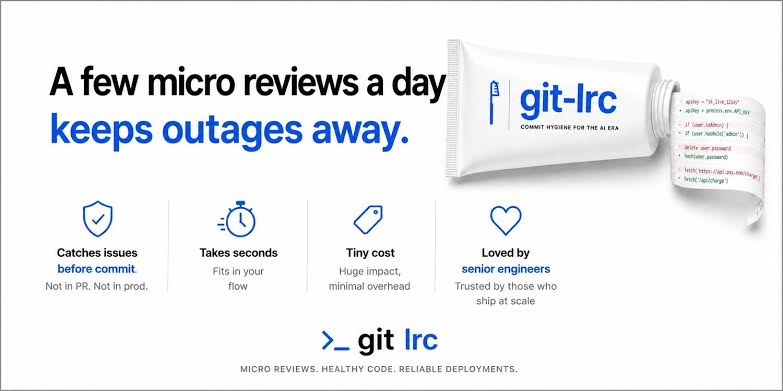
A simple example is a developer who adds payment validation to a web application. They stage the changed files with Git and start a commit. git-lrc opens the staged diff in a local browser screen. The review may flag a missing error path, a sensitive value written to logs, a changed condition, or another area that deserves a second look.
The developer can then fix the issue and run another review. If they are satisfied, they can confirm the review and commit. They can also consciously vouch for the changes or skip the review. Those choices are recorded in Git history, which makes the process more accountable than silently bypassing a check.
Git-lrc AI Code Review
The main strength of git-lrc is its focus on AI-generated code and fast edits. It is designed to examine the diff rather than pretending to understand an entire codebase perfectly. Its review categories cover common areas such as security, reliability, performance and maintainability.
That focus is useful, but it is also the main limitation. AI review is not a guarantee that code is correct, secure or ready to ship. It can miss business rules, misunderstand project context, or raise alerts that do not matter. Teams should treat git-lrc as a fast review layer, not as a replacement for testing, peer review, dependency checks or secure development practices.
Git-lrc App and Interface
There is no standalone git-lrc app for Android or iPhone. The product works as a local Git tool and opens a browser-based review interface. The interface uses a familiar diff layout, with added and removed lines, inline findings, severity labels, a summary and controls for moving through issues.
This is a good decision for its audience. Developers do not need to change editor or join another large platform. Still, the interface arrives at commit time, which may interrupt a fast workflow. Whether that feels helpful or annoying depends on how often the tool finds meaningful issues.
Git-lrc User Experience
The user experience is strongest for an individual developer who already understands Git and wants a repeatable final check before every commit. The review screen is more usable than receiving a long block of terminal text, and the option to copy findings back into an AI coding assistant can save time.
The weaker side is onboarding. A user needs to install software, configure an AI provider and manage an API key. The current pricing and free-use messaging should also be checked carefully before a team adopts it, because usage limits and paid tiers can affect heavier projects. New tools earn trust slowly, especially when they touch source code and developer credentials.
What We Liked
The commit-time approach is sensible because it catches issues before code enters the project history. The interface is built around actual diffs rather than vague summaries. The vouch and skip choices make the human developer responsible for the final decision. It also works independently of a single code editor, which is useful in mixed-tool teams.
What Needs Improvement
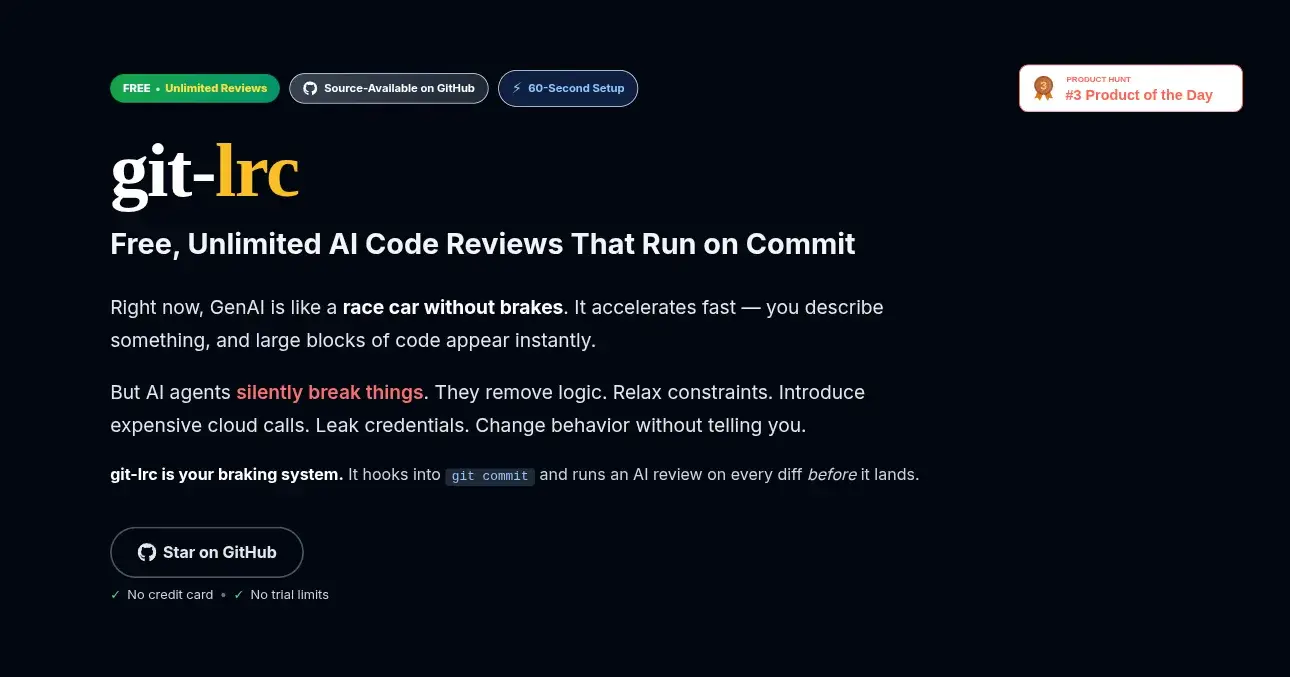
git-lrc needs a simpler explanation of the real free tier, usage limits and any paid usage. First-time configuration could be less technical, especially for developers who are new to API keys. It would also benefit from more independently visible user feedback and clearer evidence about false positives, review quality and performance on large changes.
Final Verdict
git-lrc is a promising Git companion for developers who use AI coding tools and want a pause before they commit. It is not polished enough yet to be an automatic recommendation for every team. If you are comfortable with command-line setup and you are willing to verify every AI finding yourself, it is worth testing on a non-critical project first. For now, the 2.7/5 rating reflects a good core idea with room to grow in clarity, onboarding and trust.
Frequently Asked Questions About git-lrc
1. What is git-lrc?
git-lrc is a Git tool that runs an AI-assisted review of staged code changes before a commit is completed.
2. Is git-lrc free in 2026?
It has a free entry option, but users should check the current usage allowance, AI provider costs and paid tiers before depending on it for a busy project.
3. How do I download git-lrc?
It is installed from the command line using the project’s supported installation method for your operating system. It is not a traditional app-store download.
4. Does git-lrc have a mobile app?
No. git-lrc is a developer tool for Git workflows. Its review screen opens in a browser on the computer where you are working.
5. What does git-lrc review?
It reviews the staged Git diff, which means the code changes prepared for the next commit.
6. Can git-lrc review AI-generated code?
Yes. That is one of its main uses. It is designed to identify possible issues in code changed or generated with AI assistance.
7. Does git-lrc replace human code review?
No. It is a quick additional check. Teams should still use tests, human review and security practices where appropriate.
8. Does git-lrc need an API key?
Yes, its AI review setup requires the user to connect an AI provider with an appropriate API key or supported access method.
9. Can I skip a git-lrc review?
Yes. The workflow includes a skip option, but a skipped review is recorded in the Git history.
10. What is the git-lrc rating from Icon Polls?
Icon Polls rates git-lrc 2.7 out of 5 in 2026.
11. Is git-lrc good for beginners?
It can help beginners learn to inspect changes, but it is best for users who already know the basics of Git and API-key setup.
12. Is git-lrc safe to use with private code?
Users should review the current privacy terms and provider settings before use. Any code sent for AI analysis should be handled according to their team’s security rules.