|
WISPR FLOW FOR ANDROID PROFILE |
DETAILS |
|---|---|
|
App Name |
Wispr Flow: AI Voice-to-Text |
|
Developer |
Wispr AI, Inc. (San Francisco) |
|
Founders |
Tanay Kothari and Sahaj Garg |
|
Category |
Productivity / AI Voice Dictation |
|
Android Launch |
February 2026 (Beta rolled out gradually) |
|
Latest Version |
1.8.4 and above (updated regularly via Google Play) |
|
Compatibility |
Android 13 and later, 6 GB RAM minimum, around 500 MB storage |
|
Download Source |
Google Play Store and the official site at wisprflow.ai/downloads |
|
Login Options |
Google, Apple, Microsoft, or email and password |
|
Languages Supported |
Over 100 languages with code switching |
|
Free Plan |
Available (unlimited words on Android during beta promo) |
|
Pro Plan |
$15 per month, or $12 per month billed annually |
|
Internet Required |
Yes (cloud based, no offline transcription) |
|
Best For |
Writers, professionals, students, and multilingual users |
|
ICON POLLS Rating |
3.7 out of 5 |
The App: What Wispr Flow Actually Does
Wispr Flow is an AI powered voice to text app built by Wispr AI, a San Francisco startup founded in 2021 by Tanay Kothari and Sahaj Garg. The product is not just another dictation tool. It listens to natural speech, cleans up the filler words, fixes punctuation in real time, and types the result directly into whatever app you are using, whether that is WhatsApp, Gmail, Slack, Instagram, or a Google Doc.
The pitch is simple. Speaking is faster than typing, and most people can think out loud quicker than their thumbs can keep up. Wispr Flow turns that speed into clean, ready to send text without forcing you to copy and paste from a separate recorder. On Android in 2026, the app does this through a small floating bubble that hovers above your keyboard. Tap and hold it, talk, release, and your words appear in the active text field as polished sentences.
During our testing at ICON POLLS, the app handled casual messages, technical notes, and longer email drafts with strong accuracy. It also automatically adjusted tone based on the app we were using, which means a Slack message comes out a bit more relaxed while a Gmail draft sounds more formal. That tone adaptation is one of the things that separates Wispr Flow from the basic Google voice typing built into Gboard.
Wispr Flow on Android in 2026
Wispr Flow officially launched on Android in February 2026 after years of users on the platform asking for it. The desktop and iPhone versions had been around longer, so by the time the Android app dropped, the team already had a mature dictation engine to lean on. That said, Android is not just a port. It has its own permissions setup, its own UI quirks, and its own bugs that the developers have been patching aggressively through the spring of 2026.
The Android app runs as an accessibility service. That sounds intimidating, but in practice it just means Wispr Flow needs permission to draw the floating bubble over other apps and to insert text into your active text field. Android does not offer a clean API for third party apps to push text into other apps, so accessibility is the workaround. Once it is set up, the bubble appears whenever your keyboard pops up, and you can tap it to dictate without switching keyboards.
Performance has been solid on flagship phones in our tests, but we did notice some friction on mid range hardware. Older devices with less RAM sometimes lag when the bubble has to redraw, especially in landscape mode. The good news is that the team has been pushing updates quickly. Version 1.8.4 fixed several issues with foldables and landscape orientation, and dictation now works properly in Chrome search boxes and chat apps like WhatsApp, Telegram, Signal, and Discord after a bug that previously made it fall back to the clipboard.
Login and Account Setup
Logging into Wispr Flow on Android is straightforward and gives you several options to keep things flexible. You can sign in with Google, Apple, or Microsoft, or you can register with an email address and password. ICON POLLS recommends using the same login provider you used on desktop or iPhone if you already have an account, because Wispr Flow ties your dictionary, snippets, and personalized style preferences to one account across every device.
If you try to sign in with email but your account was originally created through Google or Apple, the app will catch this and prompt you to use the correct provider. That is a small detail, but it saves the kind of frustration that comes with duplicate accounts and lost settings. New users get a 14 day Pro trial automatically when they create an account, no credit card required, which gives you enough room to test the app heavily before deciding whether to subscribe.
One thing to know is that you need to be signed in before you configure system permissions. If you try to grant Display Over Other Apps or Accessibility Service before signing in, the setup flow will simply ask you to sign in first and walk you back to the start. Plan for about two minutes total from install to first dictation if everything goes smoothly.
Latest Version Updates
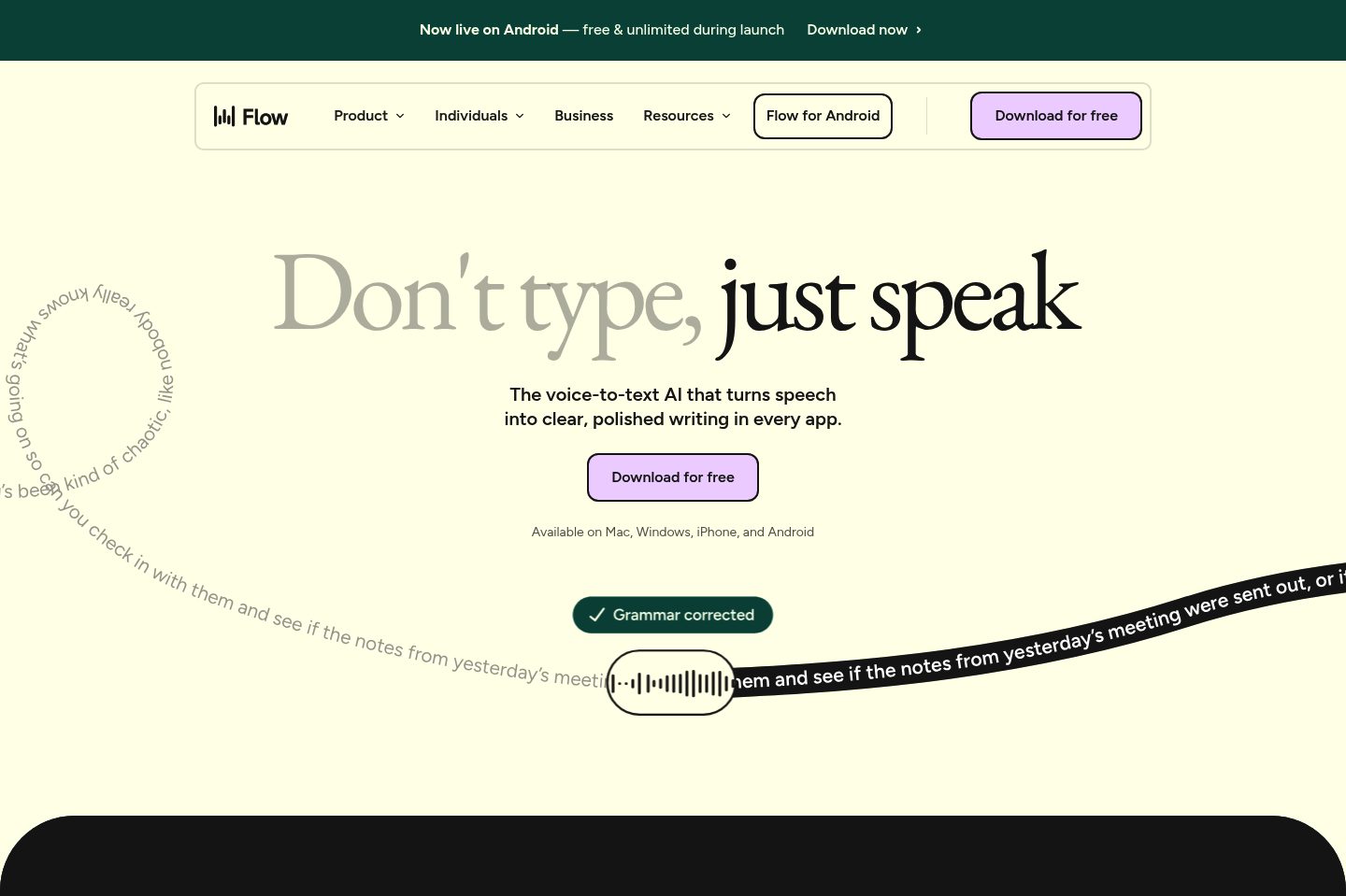
As of mid 2026, the latest version of Wispr Flow for Android pushed through the Google Play Store sits at 1.8.4 and above, with the team rolling out incremental fixes almost every two weeks. Recent updates have focused on stability and ironing out the rough edges that early adopters flagged after the February launch.
The most useful recent fixes include the Flow Bubble no longer clipping in landscape on devices with notches or navigation bars, dictated text inserting directly into chat apps like WhatsApp, Telegram, Messenger, Instagram, Microsoft Teams, Signal, Slack, Discord, Snapchat, Google Messages, and Gmail instead of falling back to the clipboard, and the onboarding flow finally working properly on foldables. The 2026 release also added a Personalized Style setting that lets you choose the tone per app category, from very casual to formal.
To stay on the latest version, ICON POLLS recommends enabling automatic updates for Wispr Flow in the Google Play Store. The app is still maturing, and the patch cadence is fast enough that running an older build for more than a few weeks usually means missing real improvements.
How to Download Wispr Flow on Android
Downloading Wispr Flow on Android is simple and there is really only one official path. Open the Google Play Store, search for Wispr Flow or Wispr Flow: AI Voice-to-Text, and tap install. The app weighs roughly 500 MB once installed, so make sure you have enough storage and a reasonable internet connection because the first sign in pulls down some assets. You can also visit wisprflow.ai/downloads in your phone browser and let the official site link you straight to the Play Store listing.
ICON POLLS strongly advises against installing Wispr Flow from third party APK sites, even ones that look legitimate. The app handles voice input and runs as an accessibility service, which means a tampered version could pose a real security risk. The official Google Play listing from Wispr AI is the only download source we recommend, and the developer has set things up so the install and onboarding happen in under two minutes if your device meets the requirements.
Speaking of requirements, your phone needs to be running Android 13 or later. If you are on Android 12 or older, the app will not run at all, and there is no workaround. The app also expects at least 6 GB of RAM for a smooth experience, which most flagship and upper mid range phones from the last three years have.
User Experience: What It Feels Like to Use
Where Wispr Flow shines on Android is the moment to moment dictation experience once everything is set up. The floating bubble is genuinely easy to use, sitting just above your keyboard so your thumb can reach it without stretching. Tap and hold to record, release to insert, and the AI cleans up the result before it lands in the text field. For users who message all day, draft long emails on the go, or struggle with typing because of arthritis, RSI, or dyslexia, that workflow is a real upgrade.
Accuracy on the cloud transcription is one of the strongest in the category. We tested mixed language sentences, technical terms, and rapid casual speech, and Wispr Flow handled all three with very few corrections needed. The personalized style settings learn how you actually talk over a few days of use, which makes the output sound more like you and less like a generic transcript.
That said, the user experience is not perfect, and that is the main reason our rating sits at 3.7 instead of higher. The app needs a constant internet connection because all transcription happens in the cloud, with no offline mode at any pricing tier. Battery drain during long sessions has been a recurring complaint, especially on mid range Android phones, and the lack of an auto pause feature for media playback means you have to manually pause your music or video before dictating unless you are wearing headphones. The Pro plan also sits at $15 a month, which is steep next to alternatives like Aqua Voice or VoiceInk, though the cross device sync does help justify the cost for power users.
ICON POLLS Verdict: Pros and Cons
What we liked:
Strong accuracy and natural sounding cleanup, smooth integration with most major chat and productivity apps, fast onboarding once permissions are granted, generous free trial, support for over 100 languages with code switching, settings that sync across Mac, Windows, iPhone, and Android.
What needs work:
No offline mode, monthly Pro subscription is on the high side at $15, battery drain on mid range devices, occasional bugs in landscape and on foldables despite recent patches, no auto pause for media, accessibility service requirement may feel invasive for privacy conscious users.
Overall, Wispr Flow on Android is one of the better AI dictation experiences you can get on the platform right now, but it is also clearly a young app that is still finding its feet. The 3.7 out of 5 rating reflects a tool that does its core job very well while still having real friction in pricing, battery use, and offline access.
Frequently Asked Questions About Wispr Flow for Android
1. Is Wispr Flow available on Android in 2026?
Yes. Wispr Flow officially launched on Android in February 2026 and is available on the Google Play Store. The app supports Android 13 and later, and the team continues to push regular updates and fixes.
2. How do I download Wispr Flow on my Android phone?
Open the Google Play Store on your Android device, search for Wispr Flow: AI Voice-to-Text, and tap install. You can also go to wisprflow.ai/downloads in your mobile browser, which will redirect you to the official Play Store listing. ICON POLLS recommends only using these official sources because the app handles voice data and accessibility permissions.
3. How do I log into Wispr Flow on Android?
Open the Wispr Flow app after installation and choose one of the sign in options. You can log in with Google, Apple, or Microsoft, or you can register using your email address. If you already use Wispr Flow on desktop or iPhone, sign in with the same provider so your dictionary, snippets, and settings stay in sync.
4. Is Wispr Flow free on Android?
Yes, there is a free version. During the beta launch period in 2026, the Android app offered unlimited free dictation as a promotional perk. Beyond beta, the standard free tier caps usage at around 2,000 words per week. The Pro plan, which unlocks unlimited dictation and AI Commands, costs $15 per month billed monthly or $12 per month billed annually.
5. Does Wispr Flow work offline on Android?
No. Wispr Flow processes audio in the cloud, and there is no offline transcription mode on any platform, including Android. You need a stable internet connection for dictation to work. If offline transcription is critical for you, look at alternatives that run local models on your device.
6. What is the latest version of Wispr Flow for Android?
As of 2026, the latest version sits at 1.8.4 and above, with the team rolling out frequent updates through the Google Play Store. Recent updates fixed landscape orientation issues, foldable display bugs, and dictation problems inside chat apps like WhatsApp, Telegram, and Signal. Enabling automatic updates is the easiest way to stay current.
7. Why does Wispr Flow need accessibility permissions on Android?
Android does not give third party apps a standard way to detect when you are inside a text field or to insert text into other apps. Wispr Flow uses the Accessibility Service to detect text fields, show the floating bubble above your keyboard, and paste dictated text into the active field. The developer states that the service does not collect data from other apps when dictation is not active.
8. Is Wispr Flow safe and private to use?
Wispr Flow processes voice in the cloud, so your audio briefly leaves your device for transcription. Pro and Enterprise users can opt into Privacy Mode, which is a zero data retention setting that prevents Wispr from storing your dictation content after processing. The company also holds SOC 2 Type II and ISO 27001 certifications. If you want fully on device processing where audio never leaves your phone, Wispr Flow is not the right pick.
9. What languages does Wispr Flow for Android support?
Wispr Flow supports over 100 languages and handles code switching, which means you can mix two languages in the same sentence without manually changing settings. We tested this with English Spanish and English French dictation and the transitions were handled cleanly. Premium languages are gated behind the Pro plan.
10. Is Wispr Flow worth it on Android in 2026?
ICON POLLS rates Wispr Flow for Android at 3.7 out of 5. It is worth installing for anyone who writes long messages or emails on their phone, struggles to type quickly, or works in more than one language. It is harder to recommend at full Pro price if you only dictate a few minutes a week, if you are on a mid range device with weaker battery life, or if you need offline transcription. Start with the free tier or the Pro trial and decide from there.