|
Brand / Feature Name |
Claude Import Memory |
|
Developer |
Anthropic |
|
Year Launched |
Rolled out to paid plans in late 2025, opened to free users in March 2026 |
|
Category |
AI assistant memory and context migration tool |
|
Main Function |
Imports user memory, preferences and context from ChatGPT, Gemini and Copilot into Claude |
|
Supported Sources |
ChatGPT, Google Gemini, Microsoft Copilot, Grok (via manual paste) |
|
Availability |
Free, Pro ($20 per month), Max ($100 per month), Team, Enterprise |
|
Access Method |
Settings > Capabilities > Memory > Start import |
|
Type of Data Imported |
Tone, writing style, projects, instructions, ongoing preferences (no chat logs) |
|
Privacy Control |
Editable memory, deletable entries, incognito mode option |
|
Average Setup Time |
Around 60 seconds |
|
Activation Window |
Memory becomes active within 24 hours |
|
Official Website |
claude.ai |
|
ICON POLLS Rating |
2.9 / 5 |
What Exactly Is Claude Import Memory?

Anthropic added a memory layer to Claude in late 2025, and the import side of that feature got the spotlight in March 2026 when it opened up to free accounts. The basic idea is portability. You give Claude a snapshot of what another assistant already knows about you, and Claude stores that snapshot inside its own memory, which it then references in future conversations.
The data Claude pulls in is the soft stuff. Your communication style, the kind of projects you work on, your preferred output format, recurring instructions you have given before. It does not pull in full chat logs, time stamps or anything that looks like a complete archive. Think of it as a quick personality transfer rather than a backup restore. That distinction matters, and we will come back to it later when we talk about what users on Reddit have been complaining about.
Claude Import Memory vs ChatGPT
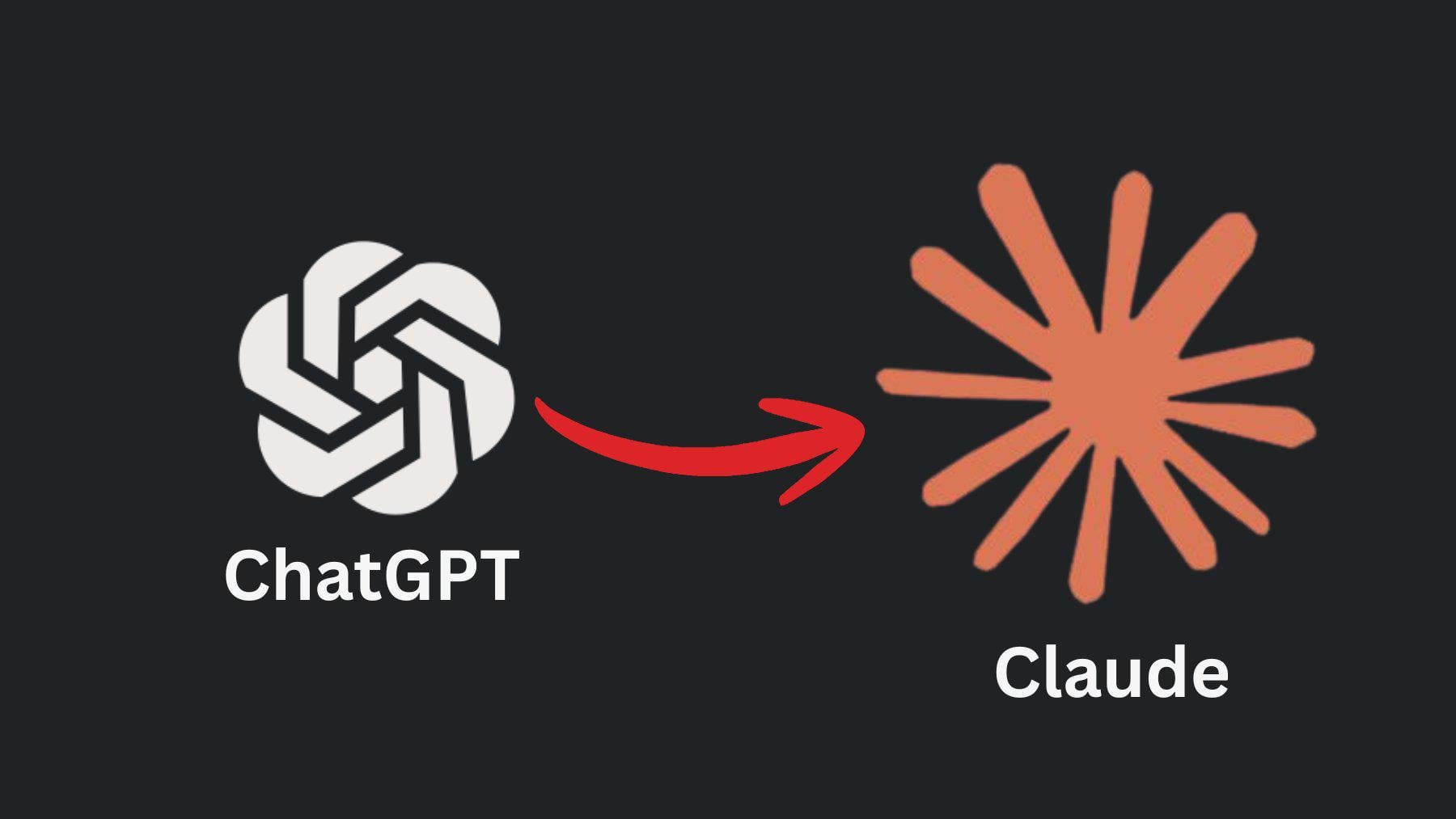
ChatGPT has had a memory feature for a while, and a lot of people who use Claude have ChatGPT memory built up from months of regular use. The import flow is designed around that reality. You run a special prompt inside ChatGPT, ChatGPT spits out a structured summary of everything it has retained about you, and you copy that block into Claude.
Compared to ChatGPT's own memory system, Claude's version feels more transparent. You can open a settings panel and literally read every memory entry as plain text, edit it, or delete it. ChatGPT lets you do this too, but Claude's interface is cleaner and easier to scan. On the flip side, ChatGPT's memory tends to be more aggressive at remembering details, and during our tests Claude dropped a few personal items that ChatGPT had been holding onto for months. Anthropic is open about this. They say the system is tuned to remember work-relevant context first.
The bigger difference is philosophical. ChatGPT memory is built to make the assistant feel more like a friend who remembers you. Claude's memory feels more like a coworker who keeps a notepad of project preferences. Both have value, but if you were expecting the warmer, more conversational style of ChatGPT memory, Claude can feel a little flat at first.
Download and Access
There is no separate app to download for the import feature. It lives inside Claude itself, which you can access on the web at claude.ai or through the Claude mobile and desktop apps. If you already have a Claude account, the feature is sitting in your settings panel waiting for you. New users sign up for free, and the import tool is available from day one. No paid plan is required to use the import itself, though Pro and Max plans give you more memory capacity to work with after import.
To find it, log into Claude, click your profile, go to Settings, then Capabilities, then Memory, and look for the Start Import button. The process from there is mostly copy and paste.
The Prompt That Makes It Work
This is the part of the feature that surprised us the most. The whole import process hinges on a pre-written prompt that Claude gives you to paste into your other AI assistant. The prompt is engineered to make ChatGPT, Gemini or Copilot output its memory of you in a structured format that Claude can parse.
You do not need to write this prompt yourself. Claude generates it inside the import tool. You copy it, switch tabs to ChatGPT (or wherever your memory lives), paste it in, and the other assistant spits back a block of text. You copy that block, go back to Claude, paste it into the import field, and Claude takes it from there.
In our tests with ChatGPT, the export prompt worked smoothly about eight times out of ten. Twice it returned a partial dump that missed some of the context we knew ChatGPT had stored, which meant we had to run the prompt again and merge the outputs manually. That kind of friction is the main reason the feature does not score higher in our book.
One practical tip we want to flag. Before you paste anything into Claude, read through what ChatGPT generated. AI memory often picks up outdated entries, stale project names, or addresses you no longer live at. Trim that stuff out before it lands in Claude, because once it is in there, it becomes part of how Claude thinks about you.
What Reddit Is SayingWe spent time across r/ClaudeAI, r/Anthropic, r/ChatGPT and r/singularity to see what real users have been saying since the free rollout in March. The reactions split into three camps.
The Switchers
A clear group of users have been celebrating the feature as a relief. Many of them had been waiting for an easy way to leave ChatGPT, either because of pricing changes, recent policy news around defence contracts, or just personal preference. For these users, the import tool was the missing piece that finally let them move without losing their setup.
The Skeptics
Another group is unimpressed. Their main complaint is that the import does not actually move your conversation history, just a summarized profile. Several Reddit threads we read had users posting before and after screenshots, showing that Claude often missed nuances ChatGPT had picked up over time. Comments along the lines of saying Claude felt colder or less personal were common.
The Privacy Crowd
A smaller but vocal third group raised privacy concerns. Pasting a structured dump of your AI memory between platforms means you are essentially handing one company a curated profile that was originally built by another company. A few posts pointed out that you should review and trim that profile carefully before importing, especially if you had ever discussed sensitive business details with ChatGPT.
The general Reddit sentiment we saw across multiple subreddits sits in the same range as our own rating. People appreciate the convenience but feel the feature is not quite the seamless migration tool it was marketed as.
User Experience
Setting up the import is genuinely fast. From clicking Start Import to seeing Claude confirm the data was absorbed, we averaged about 70 seconds. That is faster than the official 60 second claim in some cases and slightly slower in others, but it is in the same ballpark.
What happens after the import is where the experience gets uneven. Claude waits up to 24 hours for the memory to fully activate, which is not communicated very clearly during the setup. Some of our test accounts had instant recall, others took half a day, and one took the full 24 hours before Claude could reliably pull from the imported context. If you are switching tools because you are in the middle of a tight deadline, this delay can be frustrating.
Once it kicks in, Claude does a decent job of using the imported context. It picks up on your tone preferences, recognises ongoing projects you mentioned in ChatGPT, and adapts to your formatting habits. It is not always perfect. We had a couple of moments where Claude referenced something from the imported memory in a slightly off way, like mentioning a project by an outdated name. The fix is easy, you just open the memory editor and correct the entry, but it is a reminder that this is not a flawless system.
Mobile experience is roughly the same as desktop. The import flow exists inside the mobile app, though typing the prompt into another assistant on a phone is fiddly. Most users we spoke to ended up doing the import on a laptop and then continuing to chat with Claude on their phone.
Frequently Asked Questions
1. Is Claude Import Memory free in 2026?
Yes. Anthropic opened the feature up to all users in March 2026, including the free plan. Pro, Max, Team and Enterprise plans still give you more memory capacity and extra features like Projects, but the core import tool itself does not cost anything.
2. Does Claude actually transfer my full ChatGPT chat history?
No, and this is the most common misunderstanding we saw on Reddit. The import only carries over a structured summary of your preferences, projects, tone and ongoing context. If you need your old conversations, you have to export them from ChatGPT separately and upload specific files into a Claude Project.
3. How long does the import take?
The copy and paste step takes about a minute. After that, Claude needs up to 24 hours to fully activate the memory inside its system. In our tests it was often faster than that, sometimes within minutes, but plan for a day in case.
4. Which AI assistants can I import memory from?
Anthropic officially supports imports from ChatGPT, Google Gemini and Microsoft Copilot. Users on Reddit have also reported successfully running the export prompt inside Grok and other assistants, though the output is sometimes less structured and needs more cleanup before it can be pasted into Claude.
5. Can I download the prompt Claude uses for the import?
You do not need to download anything. Claude shows you the prompt directly inside the import tool. You copy it from there and paste it into the other AI assistant. There is no separate file or installer.
6. Is it safe to import my AI memory into Claude?
It is safe in the sense that the data stays inside your Claude account and you can view, edit or delete any entry. The concern, raised by privacy-focused users on Reddit, is that you should always review the exported summary before importing. Strip out anything sensitive like passwords, client names you are not allowed to share, financial details or anything regulated. Once it is inside Claude, the assistant will use it as context.
7. What happens if Claude misses something during the import?
You can fix it manually. Go to Settings, Capabilities, View and edit your memory, and add the missing information as a new entry. This is also the place where you correct outdated details, like an old job title or a project that has been renamed. The interface is simple and lets you treat your memory like a small editable notepad.
8. Can I run the import more than once?
Yes. Each import layers new context on top of what is already there without overwriting it. This is useful if you want to bring in memory from multiple assistants. You could run one import for ChatGPT, a second for Gemini and a third for Copilot. Just make sure you clean each export before pasting, so you do not pollute Claude's memory with contradictory information.
9. Does Claude Import Memory work on mobile?
Yes. The feature is inside the Claude mobile apps for iOS and Android, but the import process involves switching between two AI tools, which is awkward on a small screen. Most users find it easier to do the import on a computer and then keep using Claude on their phone afterwards.
10. How does Claude Import Memory compare to ChatGPT memory overall?
ChatGPT memory feels warmer and more aggressive at remembering details about you as a person. Claude memory feels cleaner, more transparent and more focused on work context. Neither is objectively better, they just lean differently. Our 2.9 rating reflects the fact that for many users moving from ChatGPT, Claude's version will feel like a small step down in personality even if it is a step up in editability.