|
Platform Name |
Clawdbot (now known as OpenClaw) |
|
Category |
Open-source AI Assistant |
|
Developer |
Peter Steinberger and open-source community |
|
Founded |
2025 |
|
License |
MIT Open Source License |
|
Supported OS |
Windows, macOS, Linux |
|
Official Rating by ICON POLLS |
2.9/5 |
|
Pricing |
Free software, API and hosting costs may apply |
What Is Clawdbot?
Clawdbot is an open-source AI assistant that automates tasks within messaging apps and productivity tools. The project then grew and changed its name to OpenClaw. It can also be run on your own hardware and integrated with services like WhatsApp, Telegram, Slack and email.
Clawdbot AI Review in 2026
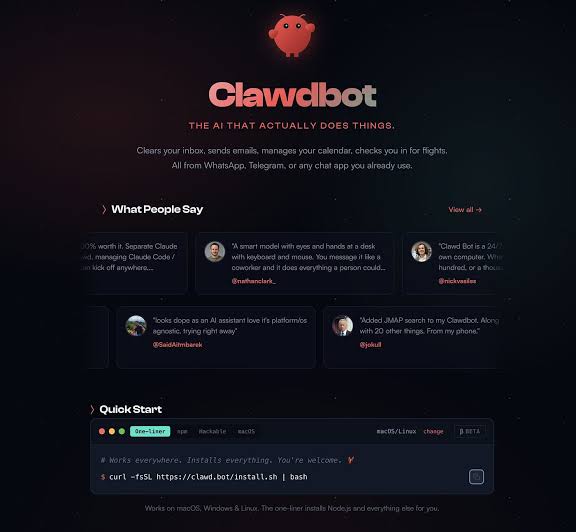
We tested the available documentation, community feedback and GitHub activity. ICON POLLS found that Clawdbot has some impressive automation features, but it is still difficult for beginners to use. It’s mostly for developers and advanced users, not casual users.
Clawdbot GitHub Review
The GitHub repository remains one of the platform's strongest areas. The project is open source, actively maintained, and supported by a large developer community. Documentation has improved, but setup can still be overwhelming for non-technical users.
Clawdbot on Windows
Windows is supported, but a lot of users are still using WSL2 or PowerShell during the setup process. It is harder to install then the average desktop application. It often requires technical expertise.
Clawdbot Download Experience
You can download it directly from Github or use the official install scripts. Most users lack a simple one-click installer which might put beginners off.
Clawdbot Price Review
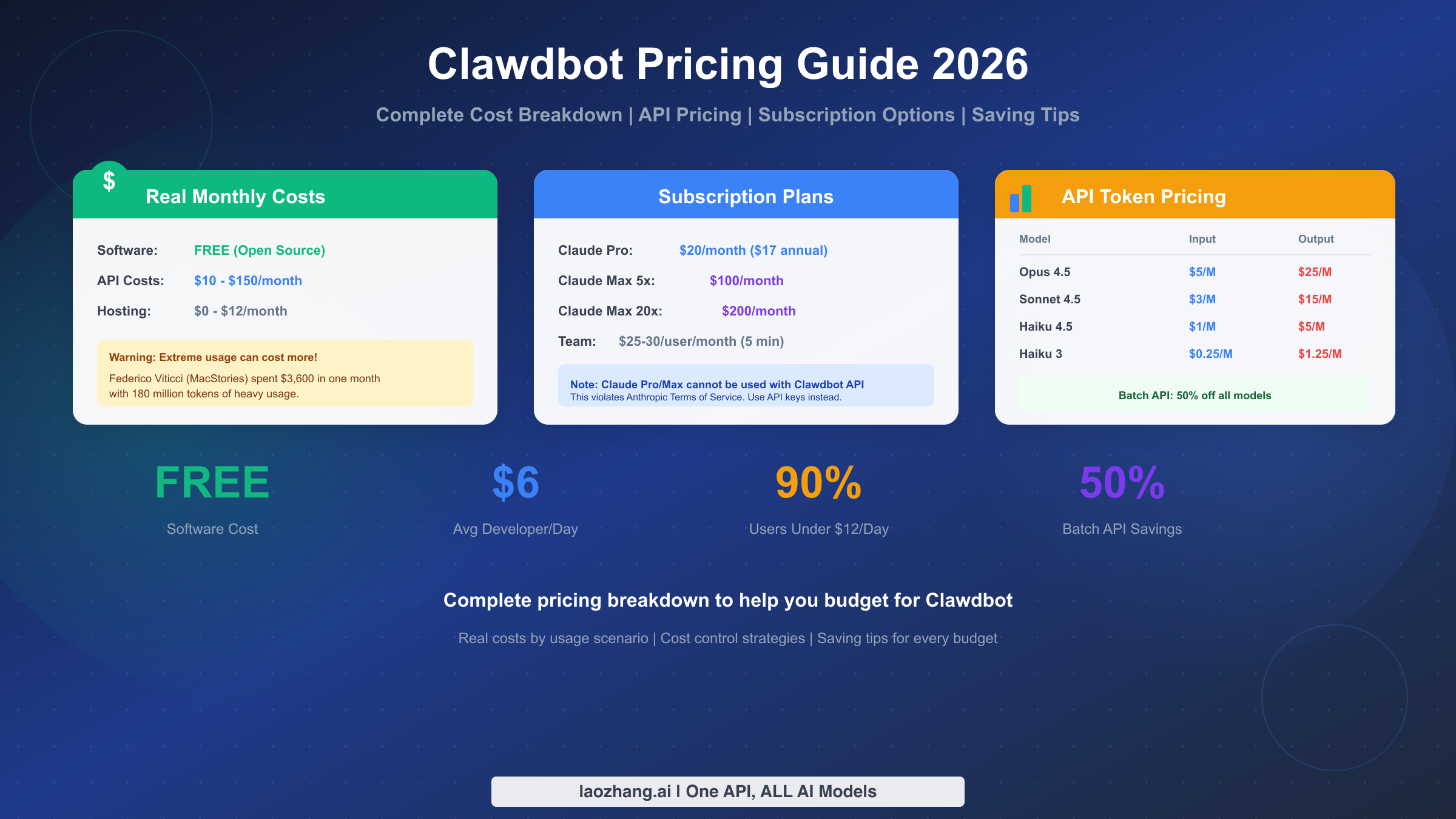
The software itself is free of charge. However, depending on deployment needs, users might incur charges for AI API usage, cloud hosting, VPS, or dedicated hardware.
User Experience
The user experience is mixed. Advanced users appreciate the flexibility, automation, and privacy controls. Beginners may struggle with installation, configuration, and security considerations.
Pros
• Free and open source
• Works with Multiple Messaging Platforms
• Large developer community
• Privacy-focused self-hosting alternatives
Cons
• Difficult to learn
• Difficult set-up process
• Other API fees may apply.
• Security must be well handled
Frequently Asked Questions (FAQs)
Is Clawdbot free?
Yes. The software is free, although API and hosting costs may apply.
Can Clawdbot run on Windows?
Yes, but many users rely on WSL2 or PowerShell.
Where can I download Clawdbot?
Downloads are available through GitHub and official installation guides.
Is Clawdbot open source?
Yes, it is released under an open-source license.
Does Clawdbot support WhatsApp?
Yes, it supports several messaging platforms including WhatsApp.
Do I need coding skills?
Basic technical knowledge is recommended.
Is Clawdbot safe?
It can be safe when configured correctly, but users should carefully review third-party extensions.
Why was Clawdbot renamed?
The project was later rebranded and is now widely known as OpenClaw.