|
Product Name |
Skillkit |
|
Type |
Open Source AI Agent Skill Manager |
|
Founded / Launched |
February 7, 2026 |
|
Creator |
Rohit G |
|
Website |
skillkit.sh |
|
GitHub |
github.com/rohitg00/skillkit |
|
Pricing |
Free and Open Source |
|
License |
Open Source (MIT) |
|
Platform |
CLI (Command Line Interface) |
|
Built With |
TypeScript / Node.js |
|
Python Support |
Available via PyPI (skillkit package) |
|
Supported AI Agents |
46+ (Claude Code, Cursor, Codex, Copilot, Windsurf, etc.) |
|
Skill Marketplace |
400,000+ skills from 31+ sources |
|
Key Features |
Primer, Memory, Mesh, Cross-Agent Translation |
|
Product Hunt Rank |
#3 Product of the Day (259 upvotes) |
|
Icon Polls Rating |
3.5 out of 5 |
If you work with AI coding agents in any capacity, you have probably heard the name Skillkit floating around in developer circles this year. It launched in early February 2026, and since then, it has made a lot of noise on Product Hunt, GitHub, and across dev communities. But does it actually live up to the hype? The Icon Polls team decided to put it through its paces and give you an honest breakdown of what Skillkit is, what it does well, where it falls short, and whether it deserves a spot in your workflow.
What Is Skillkit?
At its core, Skillkit is a package manager for AI agent skills. Think of it like npm or pip, but instead of managing code libraries, it manages the instructions, knowledge, and behaviors that AI coding agents rely on. It was created by a developer named Rohit G, who got tired of writing the same set of agent instructions over and over again every time he switched between tools like Claude Code, Cursor, and Copilot.
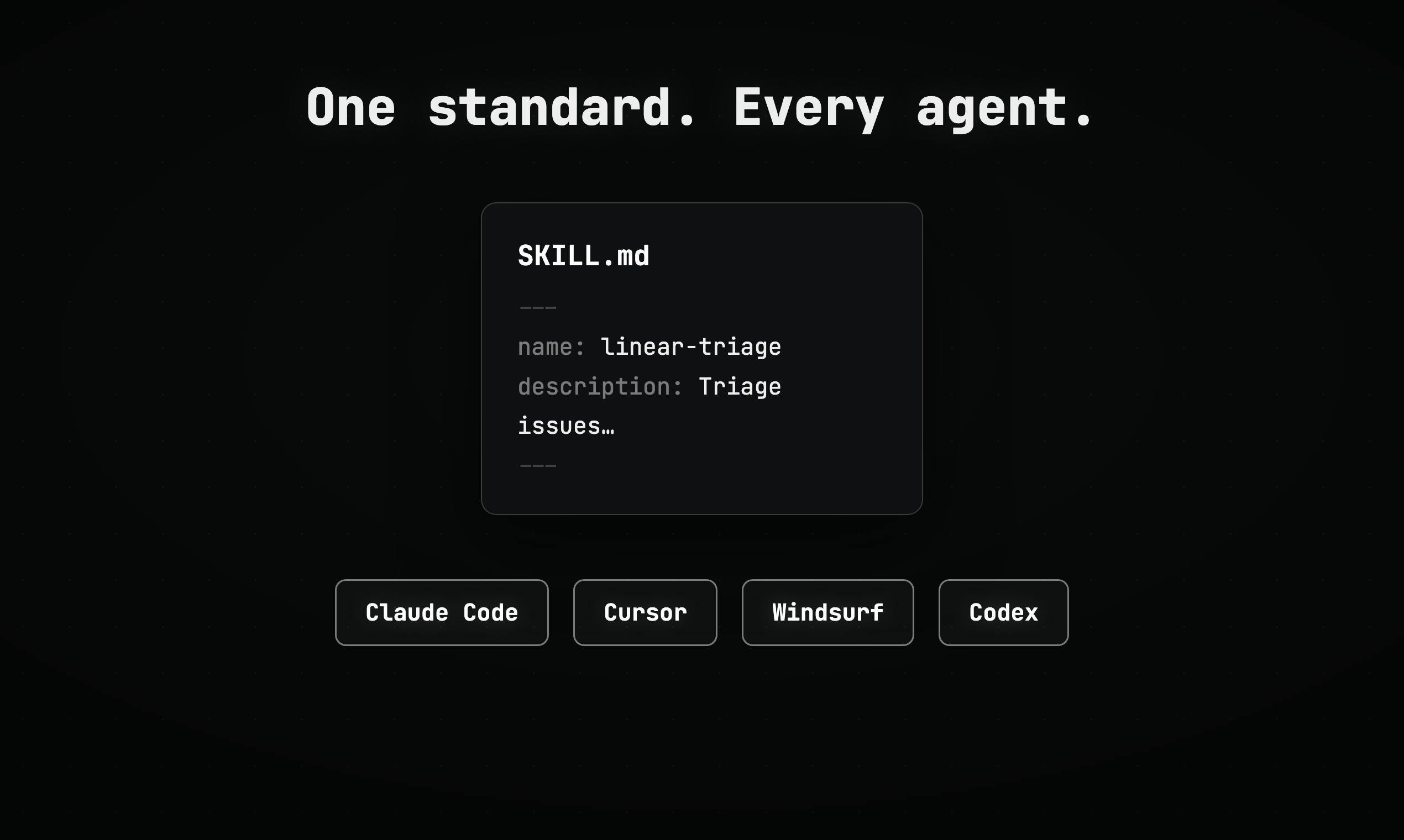
The idea is simple. You write a skill once, and Skillkit translates it so that it works across 46 different AI coding agents. It also handles things like session memory (so your AI does not forget what it learned), a marketplace of over 400,000 community skills, and even a mesh network for agents to communicate with each other across machines. The whole thing runs from the command line, and it is completely free and open source.
Skillkit AI and Agent Support
This is where Skillkit really shines, and it is honestly the main reason anyone pays attention to it. The cross-agent translation feature is genuinely impressive. You can install a skill that was built for Claude Code, and Skillkit will automatically convert it so it runs on Cursor, Codex, Copilot, Windsurf, Gemini CLI, or any of the other supported agents. As of mid 2026, it supports 46 agents and counting.
On top of that, Skillkit has a feature called Primer that analyzes your project files and auto-generates agent instruction files tailored to your codebase. It pulls context from multiple places including documentation, your own code patterns, the marketplace, and even your past corrections. It works with Claude, GPT-4, Gemini, Ollama for local use, and any model available through OpenRouter.
The multi-agent team orchestration is another feature worth mentioning. You can set up teams of AI agents, assign tasks, manage approvals, and handle code reviews all within the Skillkit framework. It uses encrypted mesh networking to let agents communicate securely, even across different machines. For teams running multiple agents at scale, this is a big deal.
Skillkit App and User Experience
Here is where things get a bit more complicated, and it is the main reason Icon Polls landed on a 3.5 rating instead of something higher. Skillkit is powerful, but it is not exactly beginner friendly. Everything runs through the CLI, which is fine for experienced developers, but there is no graphical interface to speak of. If you are not comfortable typing commands in a terminal, this tool is going to feel intimidating.
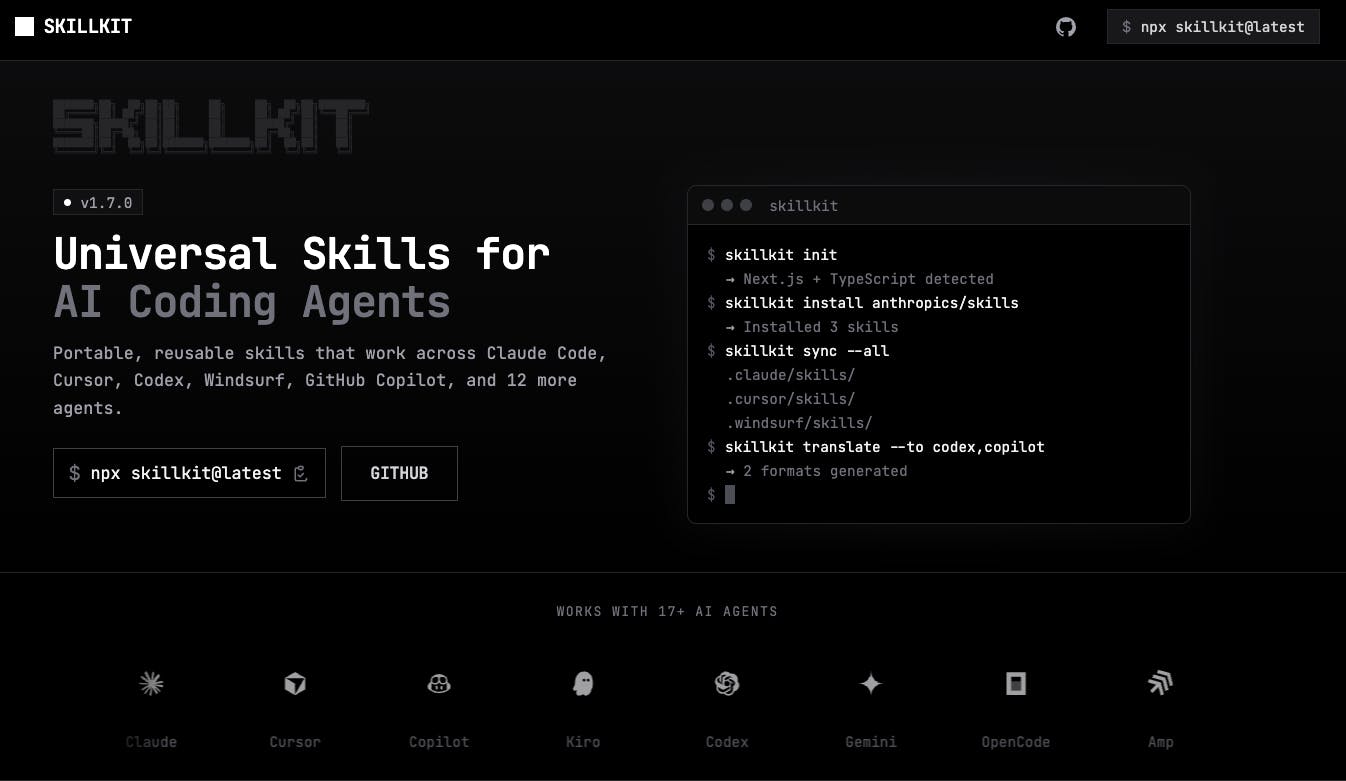
That said, the actual CLI experience is well designed for what it is. The setup process is pretty quick. You run npx skillkit init, it detects your agents automatically, and you are up and running in under a minute. Installing skills is straightforward too. Something like skillkit add anthropics/skills pulls in a batch of official skills, runs a security scan, and installs them in about three seconds. The recommend command is also nice because it suggests skills based on your actual project stack instead of just throwing random stuff at you.
Where the experience starts to break down is when you go deeper. Configuring mesh networks, setting up multi-agent teams, and managing memory compression all require a fair bit of reading and trial-and-error. The documentation exists, but it is spread across the GitHub README, the website, and various community posts. A more centralized, step-by-step guide would go a long way.
Skillkit on GitHub
Skillkit lives on GitHub under rohitg00/skillkit, and the repository is active. At the time of our review, there were regular updates, open issues being addressed, and community contributions flowing in. The project has had multiple releases since launching, with version 1.23.0 being one of the more recent ones that brought a slimmer install option and cleaned up a lot of dependencies.
The GitHub presence is a strength for Skillkit. It is genuinely open source, not one of those tools that calls itself open source but hides key features behind a paywall. You can fork it, modify it, and contribute back. The codebase is TypeScript based, and the project uses a monorepo structure with optional packages for features like the TUI (terminal UI), API server, mesh networking, and messaging.
One thing Icon Polls noticed is that some open issues on GitHub have been sitting for a while without resolution. For a project maintained primarily by one developer and community contributors, that is understandable, but it is something to keep in mind if you are considering relying on Skillkit for production workflows.
Skillkit and Python
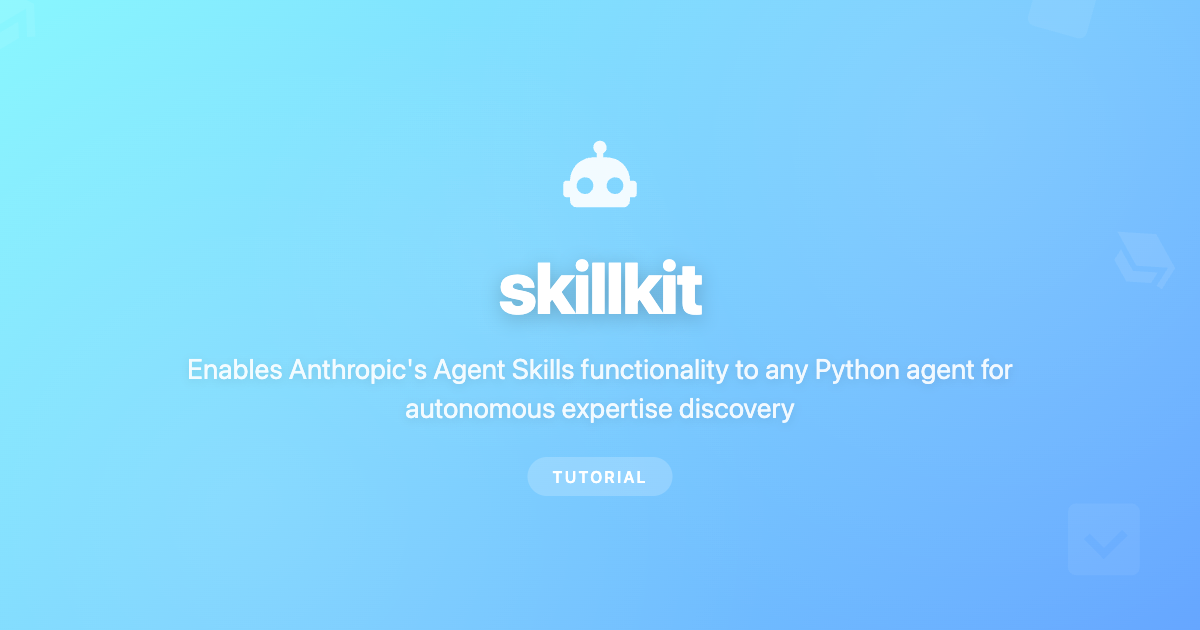
For Python developers specifically, there is a separate but related project. The skillkit package on PyPI (maintained by a different contributor, maxvaega) brings the Agent Skills functionality to any Python agent. It is compatible with existing SKILL.md files, works with LangChain, and supports script execution in Python, Shell, JavaScript, Ruby, and Perl.
The Python package offers multi-source skill discovery, YAML frontmatter parsing, and a progressive disclosure pattern that reduces memory usage by about 80% when loading skills. It is a solid option if your workflow is Python-centric and you want to integrate skills into custom agent pipelines without the Node.js CLI. That said, it is still an early project with a smaller community compared to the main CLI tool.
What We Liked
Cross-agent translation across 46 agents is genuinely useful and saves real time. The marketplace with over 400,000 skills gives you a massive head start on almost any project type. It is completely free with no hidden paid tiers. The security scanning on install is a smart touch. The Primer feature for auto-generating instructions is surprisingly good. Memory persistence means your agents actually get smarter over time. Active development and a responsive creator on GitHub and Product Hunt.
What Could Be Better
The learning curve is steep for anyone not already comfortable with CLI tools. Documentation could be more organized and centralized. The mesh networking and team orchestration features need more polish. Some GitHub issues linger without resolution. No graphical interface at all, which limits accessibility. The ecosystem is still young and some skills in the marketplace are low quality.
Icon Polls Rating: 3.5 out of 5
After spending time testing Skillkit across multiple projects and agent setups, Icon Polls gives it a rating of 3.5 out of 5. The core idea is excellent, and the execution on cross-agent translation is impressive. But the steep learning curve, the lack of a graphical interface, and the still-maturing documentation hold it back from being a tool we can recommend to everyone. If you are a developer who works with multiple AI coding agents and you are comfortable in the terminal, Skillkit is absolutely worth trying. If you are less technical or only use one AI tool, it probably is not for you just yet.
Frequently Asked Questions About Skillkit
1. What is Skillkit used for?
Skillkit is used to manage, install, translate, and share skills for AI coding agents. It works as a package manager that lets developers write skills once and deploy them across 46 different AI agents, including Claude Code, Cursor, Codex, GitHub Copilot, and Windsurf.
2. Is Skillkit free to use?
Yes, Skillkit is completely free and open source. There are no paid tiers or hidden costs. You can download it from GitHub or install it through npm. Enterprise support may become available in the future, but the core tool itself costs nothing.
3. Who created Skillkit?
Skillkit was created by a developer named Rohit G. He built it to solve the problem of having to rewrite AI agent skills every time he switched between different coding tools. The project launched on Product Hunt in February 2026 and ranked number 3 for the day with 259 upvotes.
4. How do I install Skillkit?
You can install Skillkit globally using npm with the command npm install -g skillkit. You can also run it without installing by using npx skillkit followed by any command. For the Python version, you can install it from PyPI using pip install skillkit.
5. Does Skillkit work with Claude Code?
Yes, Claude Code is one of the primary agents that Skillkit supports. In fact, Skillkit was originally built because its creator found that skills written for Claude Code were not compatible with other agents. You can install, translate, and manage Claude Code skills directly through the Skillkit CLI.
6. What AI agents does Skillkit support?
As of 2026, Skillkit supports 46 AI coding agents. Some of the notable ones include Claude Code, Cursor, GitHub Copilot, OpenAI Codex, Windsurf, Gemini CLI, Goose, OpenCode, Kilo Code, Roo Code, Cline, and many more. The list keeps growing with each update.
7. Is Skillkit safe to use?
Skillkit includes a built-in security scanning feature that checks every skill before installation. However, since it pulls from a large open marketplace, quality and safety can vary. A 2026 security audit by Snyk found prompt injection in 36% of publicly available skills across the broader ecosystem, so it pays to stick with curated and verified sources. Icon Polls recommends reviewing skills before using them in production.
8. Does Skillkit have a Python version?
Yes, there is a Python package called skillkit available on PyPI. It brings the Agent Skills functionality to Python-based agent workflows and is compatible with LangChain. It supports script execution, multi-source skill discovery, and works with existing SKILL.md files.
9. What is the Skillkit Marketplace?
The Skillkit Marketplace is a collection of over 400,000 skills aggregated from 31 different sources, including official skill collections from Anthropic, Vercel, Expo, Supabase, Stripe, and community repositories. You can search, browse, and install skills directly from the CLI.
10. How does Skillkit compare to LangChain?
Skillkit and LangChain serve different purposes. LangChain is a framework for building AI applications and agent pipelines, while Skillkit is specifically a package manager for agent skills. Skillkit offers a more structured, ready to use approach for managing skills across agents, while LangChain gives you more flexibility but requires more manual setup. They can actually be used together since the Python skillkit package integrates with LangChain.